XMRHooks.
Monero, monitored.
Payments, prepared.
XMRHooks watches incoming XMR and spendable balances while your wallet is connected and this tab is visible. Set payment sentries, create Monero payment requests, and prepare transfers for approval in your own wallet.
Receiving is simple.
Keeping track should be too.
Put incoming payments, confirmation counts and unlocked XMR in one place. A sentry watches for the change you care about while your connected tab stays open.
Connect your local wallet ↗A view into
your Monero wallet.

Connect your local wallet to see balances and follow incoming payments.
Choose what deserves a watch.
Watch for incoming payments or changes in your spendable balance.
Know when the payment lands.
Waiting on an invoice? Choose a minimum amount and confirmation count. Keeping a spending buffer? Watch unlocked XMR cross your reserve floor. Each new crossing leaves a timestamp in your session log.
Less checking.
More clarity.
Receive, inspect and keep track of XMR with tools built around the way a Monero wallet works.
A sentry for your spending buffer.
Get a session update when unlocked funds cross your reserve floor or a new payment reaches your confirmation threshold.
Configure a sentry ↗Read your incoming journal.
See recent payments alongside their confirmation counts. Distinguish the total held from XMR that is unlocked.
Open the ledger ↗Send the details once.
Build a Monero payment link with a receiving address, optional amount and recipient name.
Make a request ↗A checksum before a payment.
Identify a mainnet address format or convert an amount down to a single piconero, locally in your browser.
Open Monero tools ↗An independent ETH desk.
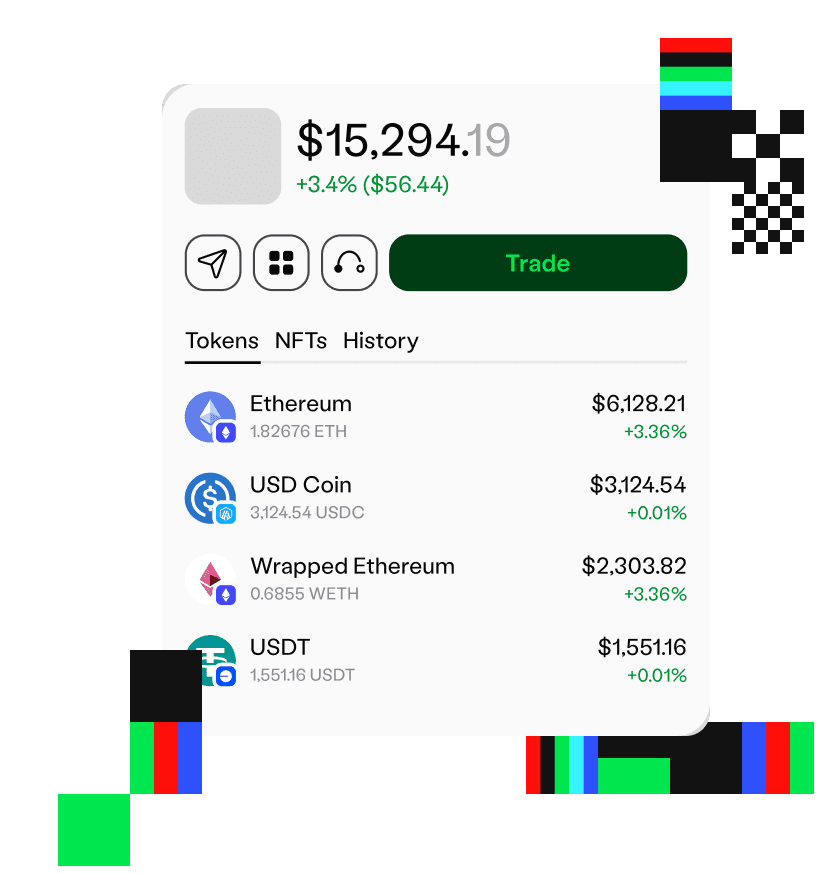
Review and approve Robinhood Chain transfers using a separate EVM wallet. XMR remains in your Monero wallet.
Visit the ETH workspace ↗Made for the details
that matter in Monero.
A balance, an address and a payment link each tell a different part of the story.
Open Monero tools
Check the address first
Validate a mainnet address checksum and distinguish standard addresses, subaddresses and integrated addresses.
Keep every decimal
Convert XMR to piconero and back using exact integer arithmetic, including one trillionth of an XMR.
Separate locked from spendable
See the account total alongside unlocked XMR. Reserve watches use the funds your wallet reports as unlocked.
A fresh subaddress.
A clearer payment trail.
Create a subaddress in your wallet for each customer or purpose. Bring it here to build a payment link with the amount and recipient name already filled in.
Make a payment request
A desk for daily XMR
Give the payer everything they need
Generate a fresh subaddress in your Monero wallet. Add it to a payment request with the exact amount and a recipient name.
Make a payment request ↗The keys stay
where they belong.
Your local companion supplies read-only wallet data.
Payment links hand approval back to your Monero wallet.
Before you begin
How the Monero desk reads data,
checks addresses and prepares payments.
Can an address reveal my Monero balance?
An address alone cannot provide incoming-payment history or a balance. The ledger reads your selected account through a companion running beside your own Monero wallet RPC. Address checks need no wallet connection.
What is a payment sentry?
A saved watch for a new incoming payment or a spendable-balance crossing. Choose the minimum XMR amount and, for payments, a confirmation count. A qualifying change enters your session log and can prepare payment instructions for review.
Why show spendable XMR separately?
A wallet can report funds that are not yet unlocked. The ledger separates the account total, unlocked funds and the difference still locked. Reserve sentries use unlocked funds. Your native wallet remains the source for final fees and spendability.
Should I receive with a subaddress?
Generate a fresh subaddress in your Monero wallet for each customer or purpose, then paste it into Payment requests. The address inspector identifies mainnet standard, subaddress and integrated formats and checks their checksum. It cannot verify who owns an address.
Will sentries run after I close the page?
No. The local companion must be running and this tab visible. Checks run every 15 seconds. Saved sentries stay in this browser; the event log lasts for this session. Reconnecting establishes a fresh baseline rather than replaying missed changes.
How does Robinhood Chain fit in?
It is an optional, separate ETH workspace. A Monero payment can prompt an ETH payment instruction, but funding and signing happen in your Robinhood Chain wallet. XMR is never bridged, wrapped or exchanged by this app.